Daily vs. lifetime budgets: how agencies accidentally overspend client accounts
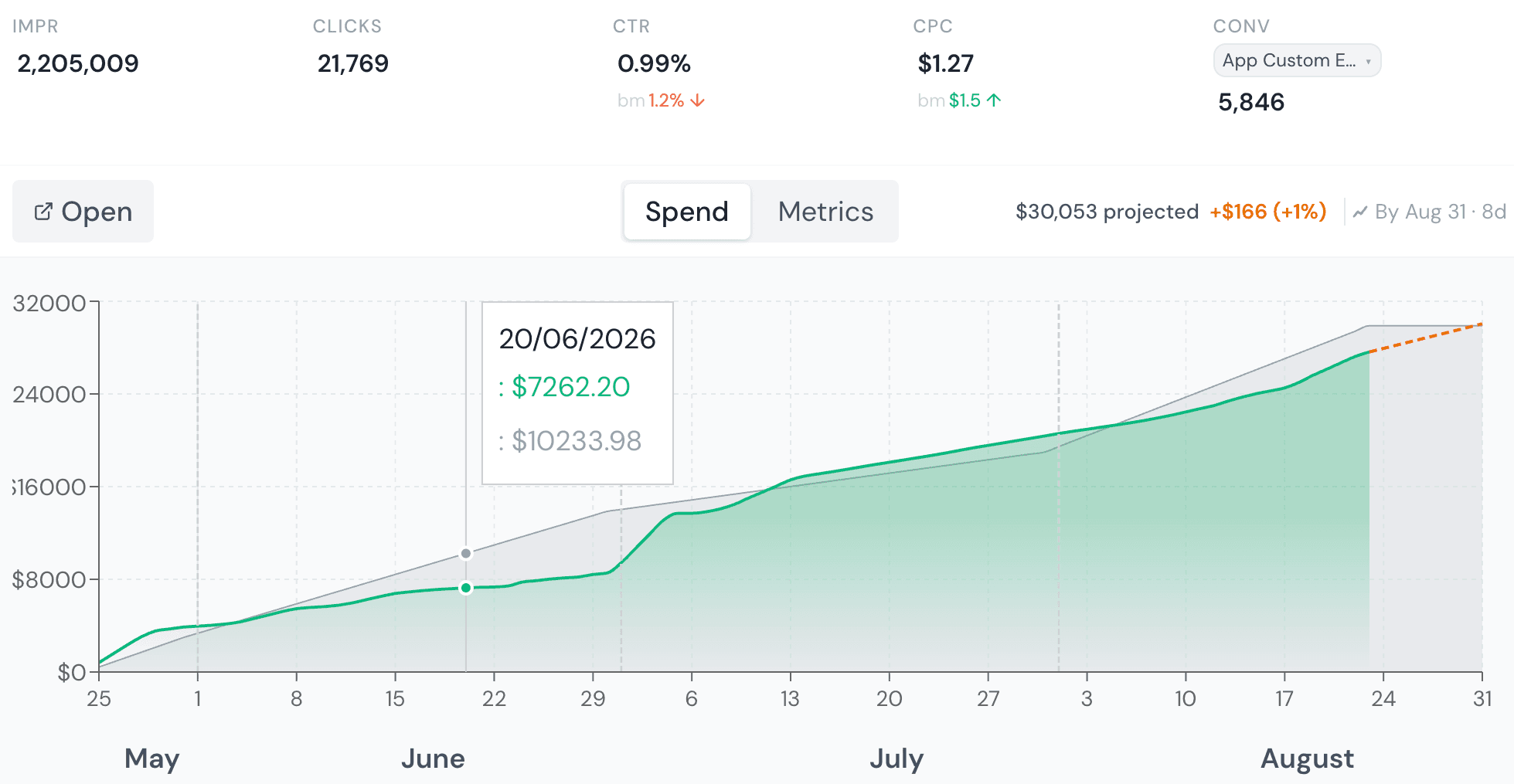
A daily budget tells the platform how much to spend, on average, per day — the platform can flex a given day up to roughly double that figure if it sees a strong opportunity, as long as the monthly average stays on target. A lifetime budget tells the platform how much to spend across an entire, fixed date range, and it's the platform's job to pace that total evenly (or according to a schedule you set) across the whole flight.
They sound interchangeable if you only ever look at the total. They are not, and mixing them up is the single most common cause of campaign overpacing we see in agency accounts.
Where this actually goes wrong
Take a campaign with a $6,000 budget over a 6-week flight — a client retainer, say. Two ways to set that up:
- Lifetime budget, $6,000, dates set to the flight. The platform paces automatically toward that total across the 42 days. This is what most agencies intend for a fixed-scope flight.
- Daily budget, $142 (≈ $6,000 ÷ 42). The platform now treats $142/day as an average target it's allowed to exceed on strong days — and if the campaign runs past the original 42 days without anyone updating the daily figure down, it keeps spending at roughly the same rate indefinitely, because a daily budget has no concept of when the flight was supposed to end.
The second setup is the one that turns into an awkward call with the client: the campaign didn't "blow the budget," the budget was never actually tied to the flight length in the first place.
The failure runs both directions
The same mix-up causes underpacing too. A retainer campaign that's supposed to spend evenly month over month, set up with a lifetime budget and an end date that's actually the end of the contract (not the end of this month), will happily spend nothing for three weeks and then dump the rest in the final week once the platform's pacing algorithm realizes it's behind — because from the platform's point of view, it has until the lifetime end date to hit the total, and there's no reason to rush.
How to check what a live campaign is actually running
In Google Ads, the budget type sits directly under the campaign's Budget setting — labelled "Daily" or a fixed "Campaign total." In Meta Ads Manager, it's set at the ad set level under Budget & Schedule, and it's easy to miss because the field defaults to whatever the previous ad set in the account used, not necessarily what the current flight needs.
The check itself is simple. The catch is remembering to do it — for every campaign, every time a flight's dates or scope changes, which in a busy agency book of business is exactly the kind of manual check that gets skipped. The free campaign setup checker turns it into a quick pre-launch checklist, and the ad budget pacing calculator tells you whether spend-to-date is on track for the flight and the daily budget that lands it on target.
Why this is a setup problem, not a monitoring problem
Most agencies catch this by watching spend-to-date against a spreadsheet, which only tells you that pacing is off, not why. By the time a spend chart looks wrong, the mismatched budget type has often already been running for days.
PlanPulse's Health Check Agent checks the budget type itself against what the media plan actually specifies for that flight — not just the spend trend — so a daily/lifetime mismatch gets caught as a setup error before it becomes a pacing chart nobody's happy with. The same health score that surfaces this weights pacing at 44%, specifically because it's the input that moves fastest when something's misconfigured.
If you build your flights in PlanPulse's media plan builder to begin with, the intended budget and dates for each channel are already on record — so there's a source of truth to check the live campaign against, rather than trusting whoever set it up to have gotten the field right the first time. (The free media plan builder and Excel media plan template work the same way if you're not on PlanPulse yet.)