Catching CPA and spend anomalies before your client does
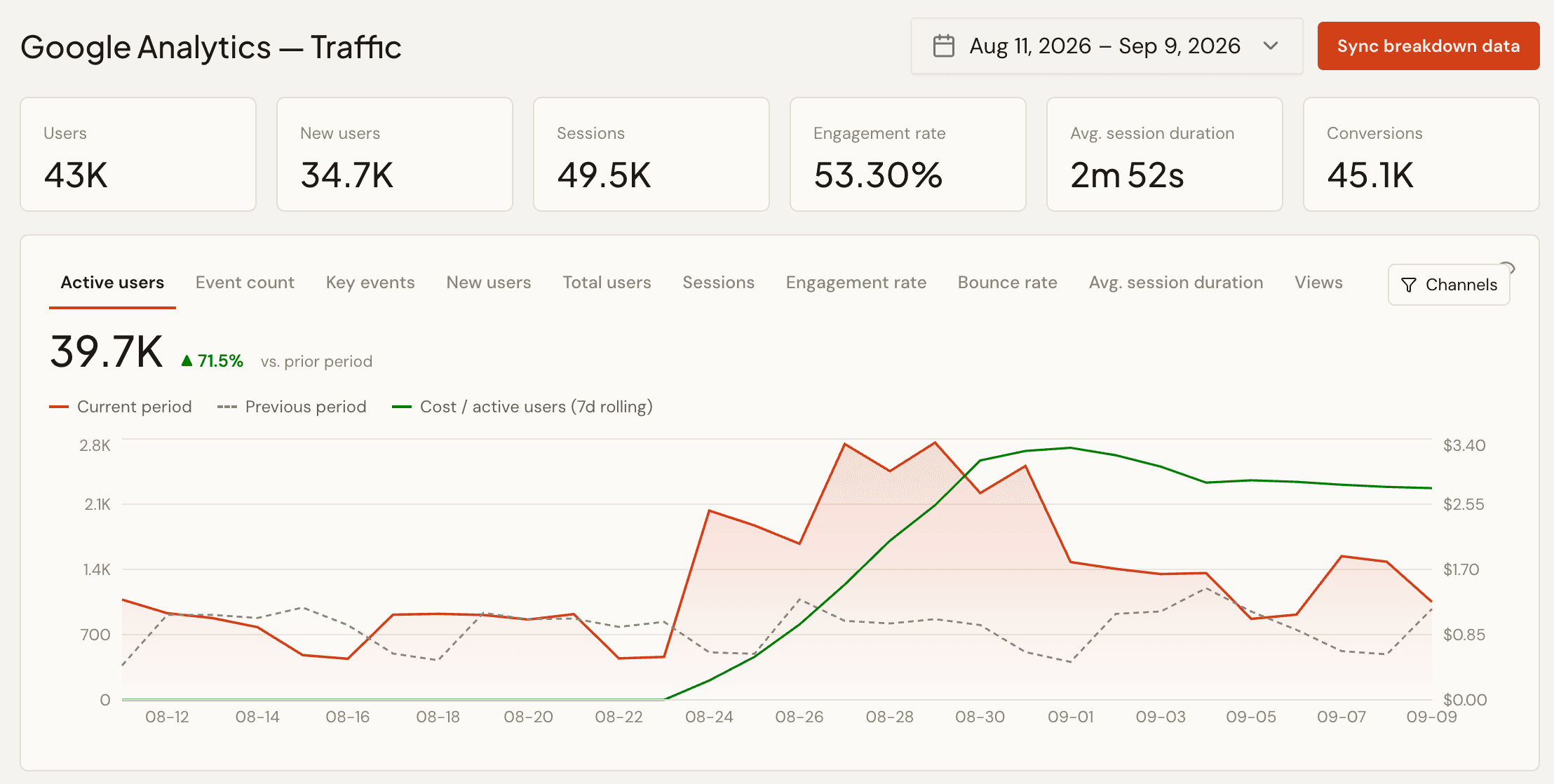
The usual way an agency finds out CPA has drifted is that the client mentions it first. That's not a knock on any particular team's diligence — it's a natural consequence of checking a single target number against a single day's number, which is a comparison that's almost useless on its own. A campaign's CPA is noisy day to day for reasons that have nothing to do with anything being wrong: day-of-week effects, an auction getting more competitive for a few hours, a single high-value conversion landing at 11:58pm and getting counted in the wrong day's bucket.
A single target number is the wrong comparison
"Target CPA: $40" tells you almost nothing about whether today's $52 is a problem or noise, because it doesn't account for how much a campaign's CPA normally moves day to day. A campaign that swings between $30 and $50 on a normal week and a campaign that's rock-steady at $38–$42 need completely different thresholds for what counts as "off" — but a flat target treats them the same.
What a rolling baseline catches that a flat target misses
A 7-day rolling view of CPA (or ROAS, or CPC) does two things a flat target can't: it shows you what "normal" actually looks like for this campaign, and it makes a real trend — three or four days moving the same direction — visually distinct from a single noisy day. The moment the rolling line crosses a threshold you've set relative to that campaign's own baseline, that's a genuine signal, not a data point that happened to land on the wrong side of a fixed number.
This is exactly what PlanPulse's anomaly detection is built around: a 7-day rolling CPA (and ROAS, and CPC) chart with target thresholds, so the gauge only flags red when there's an actual trend crossing the line — not every time a single day is noisy.
Catching it early enough to matter
The value of any anomaly alert is entirely a function of how early it fires relative to when the budget is actually spent. An alert that fires after a flight is 90% spent is a postmortem, not a save. That's why PlanPulse surfaces anomaly alerts in the daily AI briefing rather than only in a dashboard someone has to remember to open — the alert reaches the account manager the morning a trend starts forming, while there's still budget left to act on.
If you're not running a dashboard yet, you can still get a week-on-week read: the free ad report generator turns a Meta or Google Ads export into a report that shows which metrics moved against the previous week.
Pair it with the setup checks, not instead of them
Anomaly detection catches performance drifting from its own recent history. It won't catch a campaign that's been misconfigured from day one — wrong geotargeting, a broken destination URL, the wrong budget type — because a campaign that's been broken since launch doesn't have a "normal" baseline to drift away from. That's a setup problem, not an anomaly, which is why PlanPulse pairs rolling anomaly detection with the Health Check Agent's setup audits rather than relying on either alone.